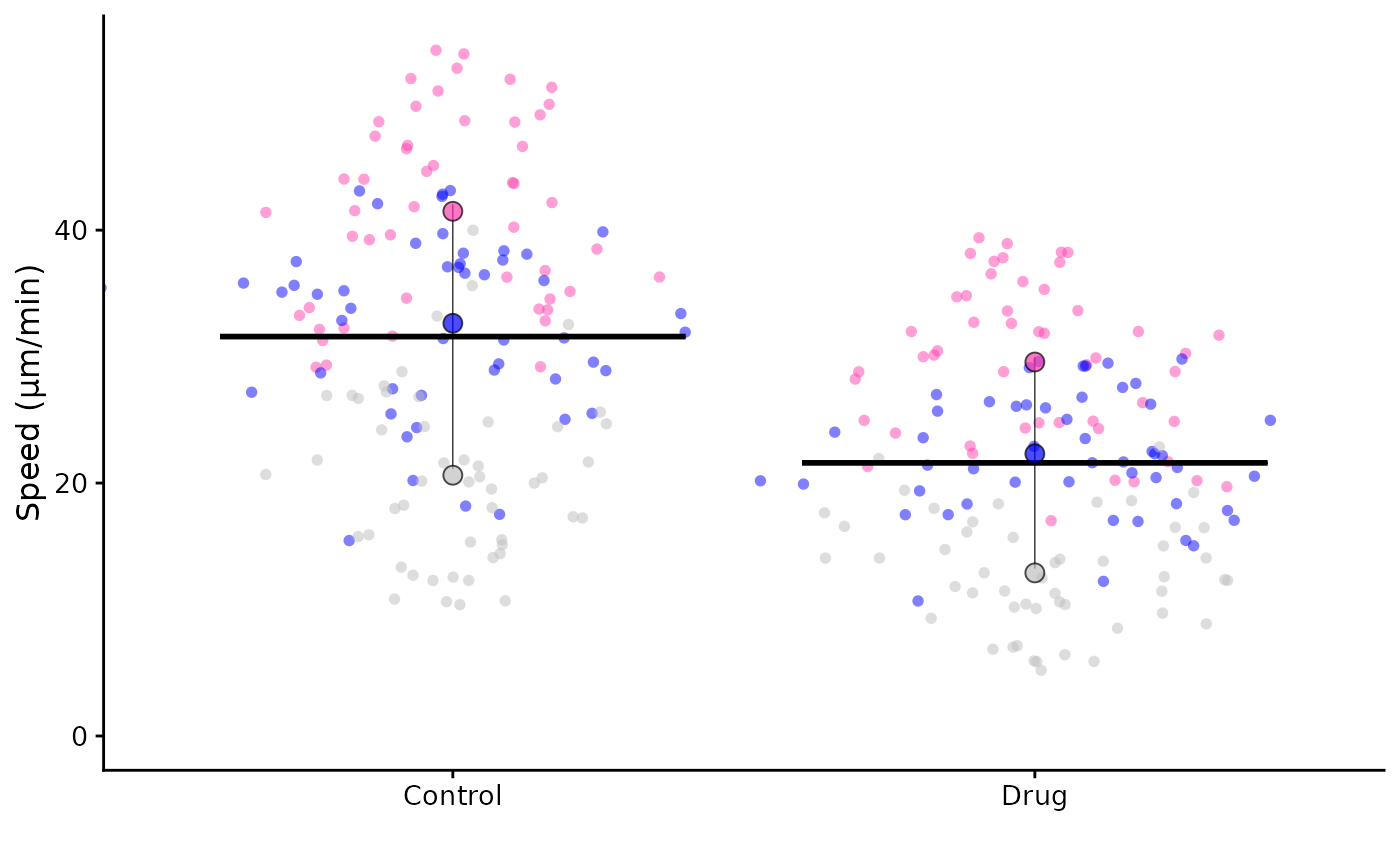
Colour options
The colours of the points can be changed. The default is Paul Tol’s
bright palette ("tol_bright") but you can select from:
"tol_bright""tol_vibrant""tol_muted""tol_light""tol_rainbow"- or Color Universal Design (
"cud")
library(SuperPlotR)
superplot(lord_jcb, "Speed", "Treatment", "Replicate",
          ylab = "Speed (µm/min)", pal = "cud")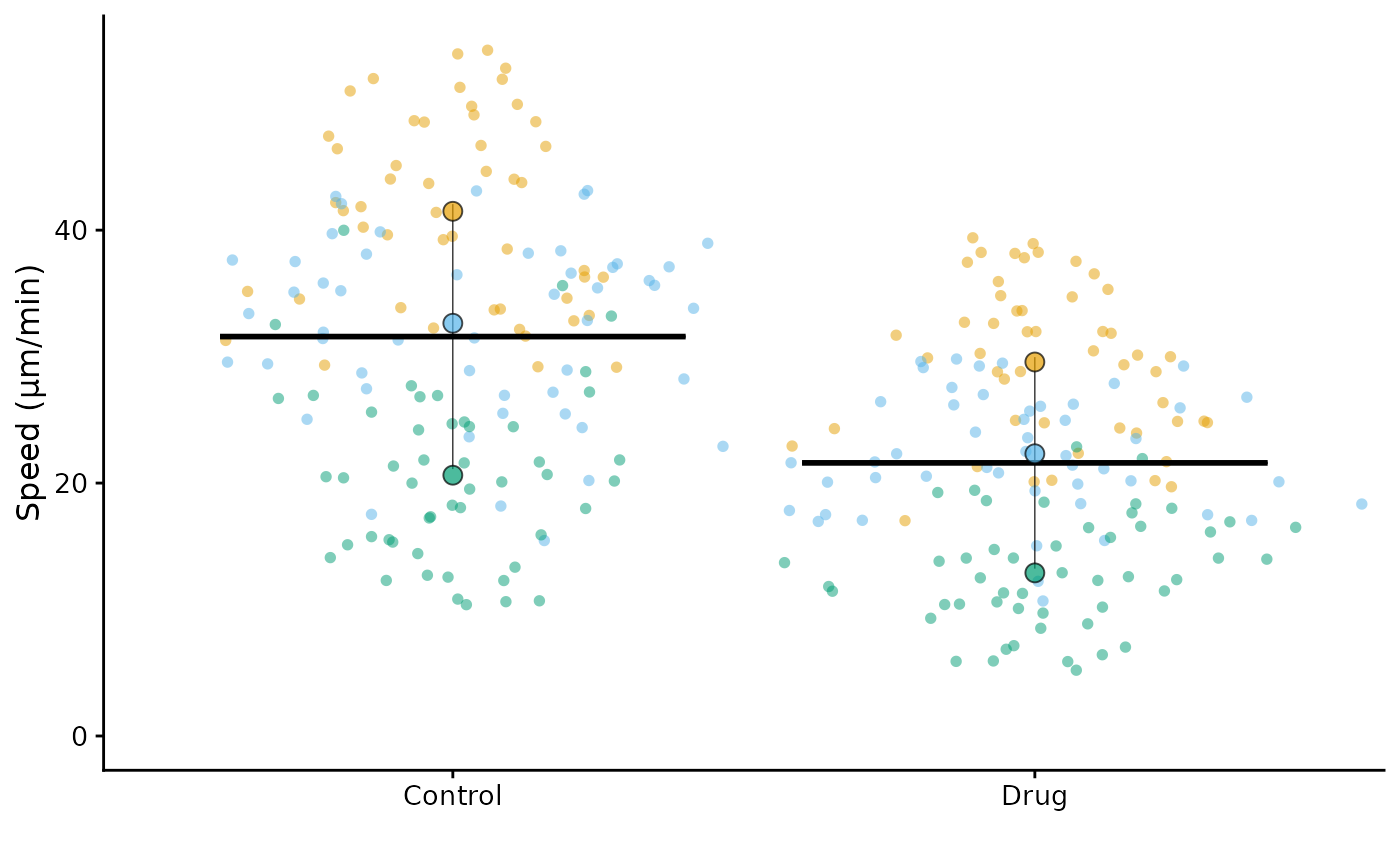
If you have more than 8-10 conditions, the "tol_rainbow"
palette is a good choice as it has 27 colours. The other palettes have
fewer colours and will repeat if you have more conditions than
colours.
If you like the palette, but don’t like the order of the colours, you
can change the order with the pal_order argument. For
example, to reverse the order of the colours:
superplot(lord_jcb, "Speed", "Treatment", "Replicate",
          ylab = "Speed (µm/min)", pal = "tol_bright", pal_order = "reverse")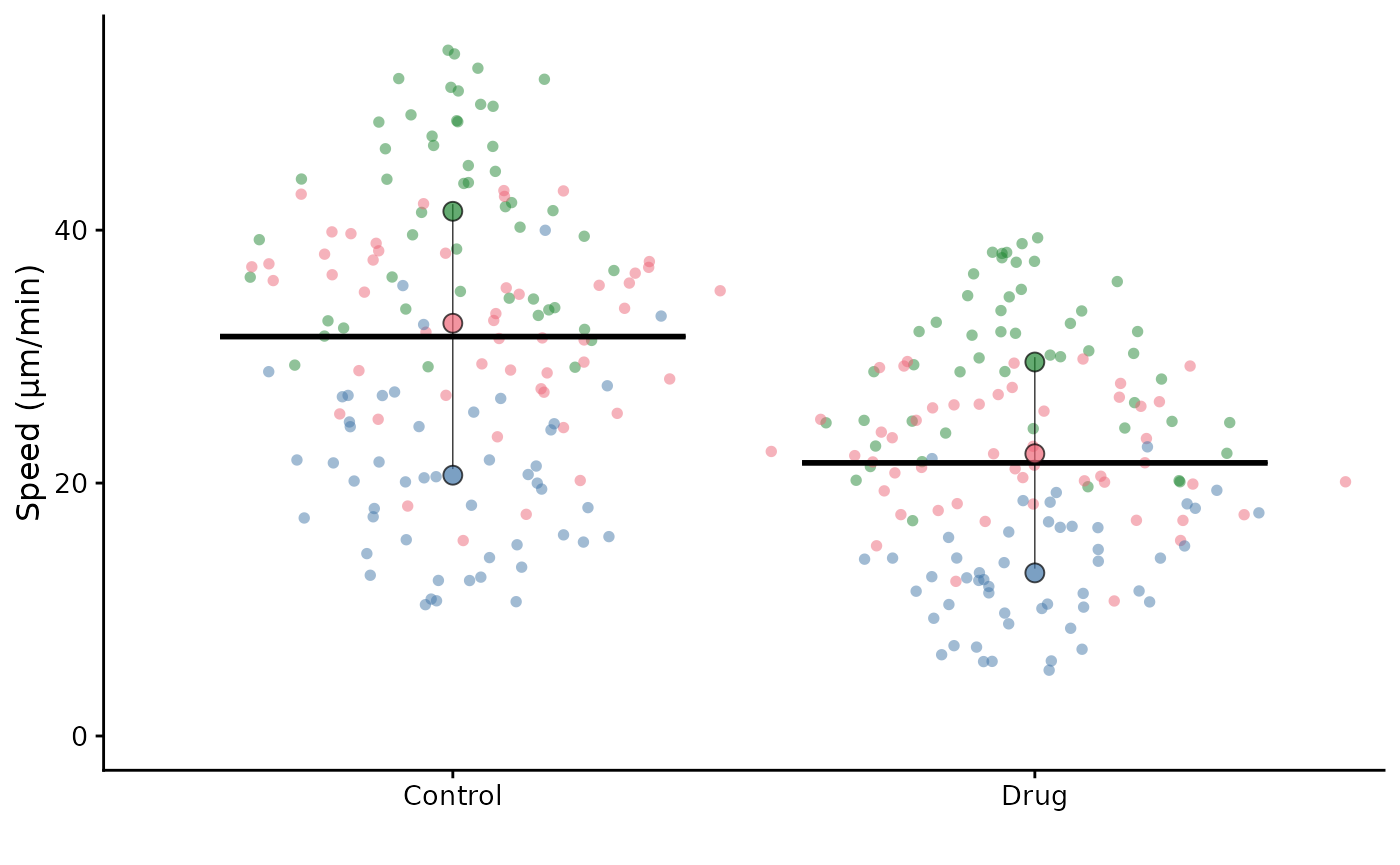
or you can randomise the order of the colours:
superplot(lord_jcb, "Speed", "Treatment", "Replicate",
          ylab = "Speed (µm/min)", pal = "tol_bright", pal_order = "random")
#> Random colour order: c(1, 3, 2) - use this as pal_order to reuse it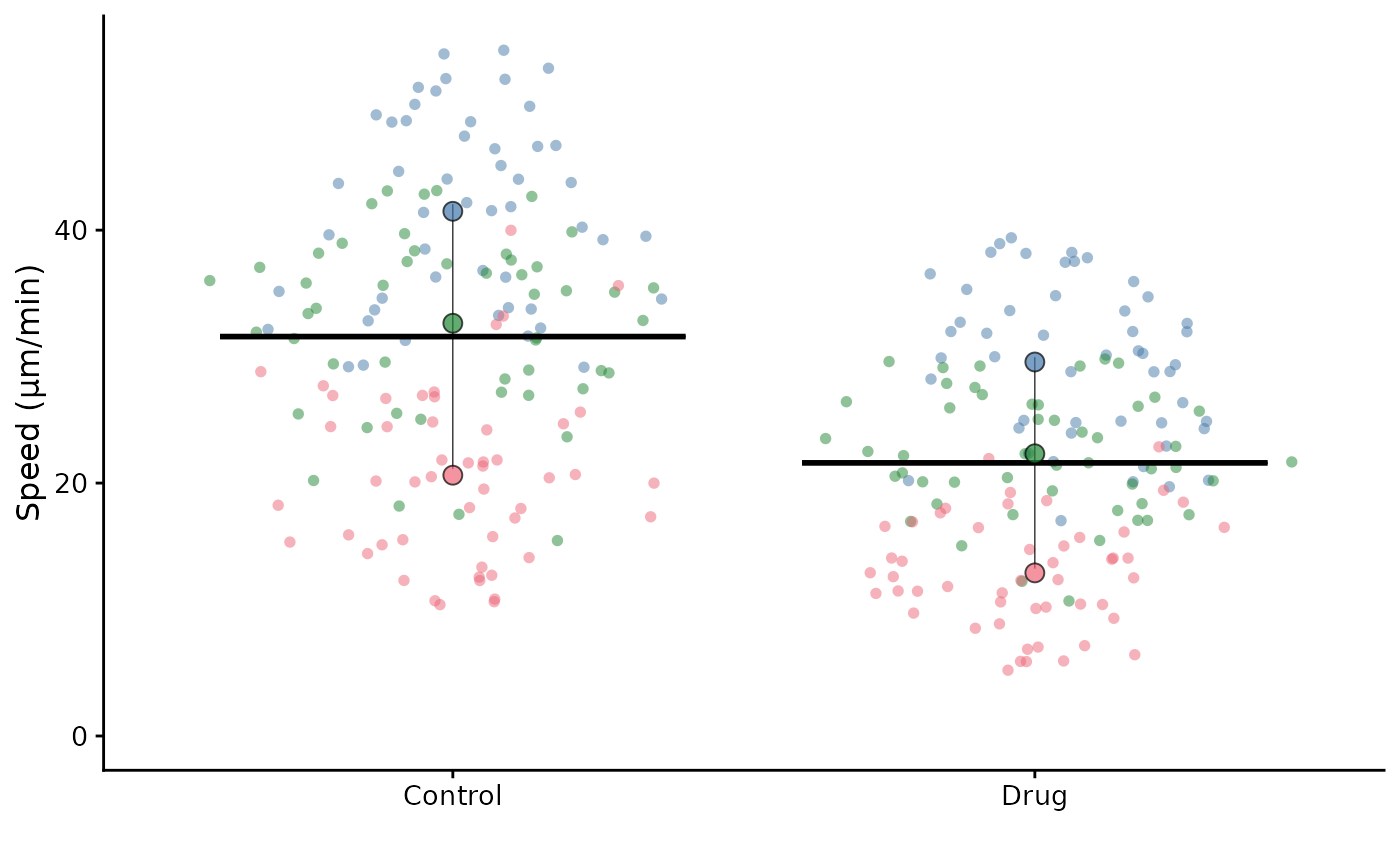
or you can specify a custom order of the colours by providing a vector of integers corresponding to the order of the conditions. Using “random” will print an order of integers that you can use in the next SuperPlot() call to reproduce the colours, since the next time you call with “random”, it will be different!
Note that previous versions of SuperPlotR used
tol_bright in the following orders (for 1 to 6 replicates:
list(c(1), c(1, 2), c(1, 4, 2), c(1, 3, 4, 2), c(1, 5, 3, 4, 2), c(1, 5, 3, 4, 2, 6))
It’s also possible to supply your own palette as a vector of colours (in hex or description format)
superplot(lord_jcb, "Speed", "Treatment", "Replicate",
          ylab = "Speed (µm/min)", pal = c("#ff3faf", "blue", "grey"))